Renwick
A dark, studio-grade website for detailers, ceramic coating and PPF shops — built to turn visitors into booked jobs.
Set it up yourself, or we launch it for you.
Do it yourself
Remix Renwick into your Framer account and follow the setup guide.
- Remix link to the full Framer project
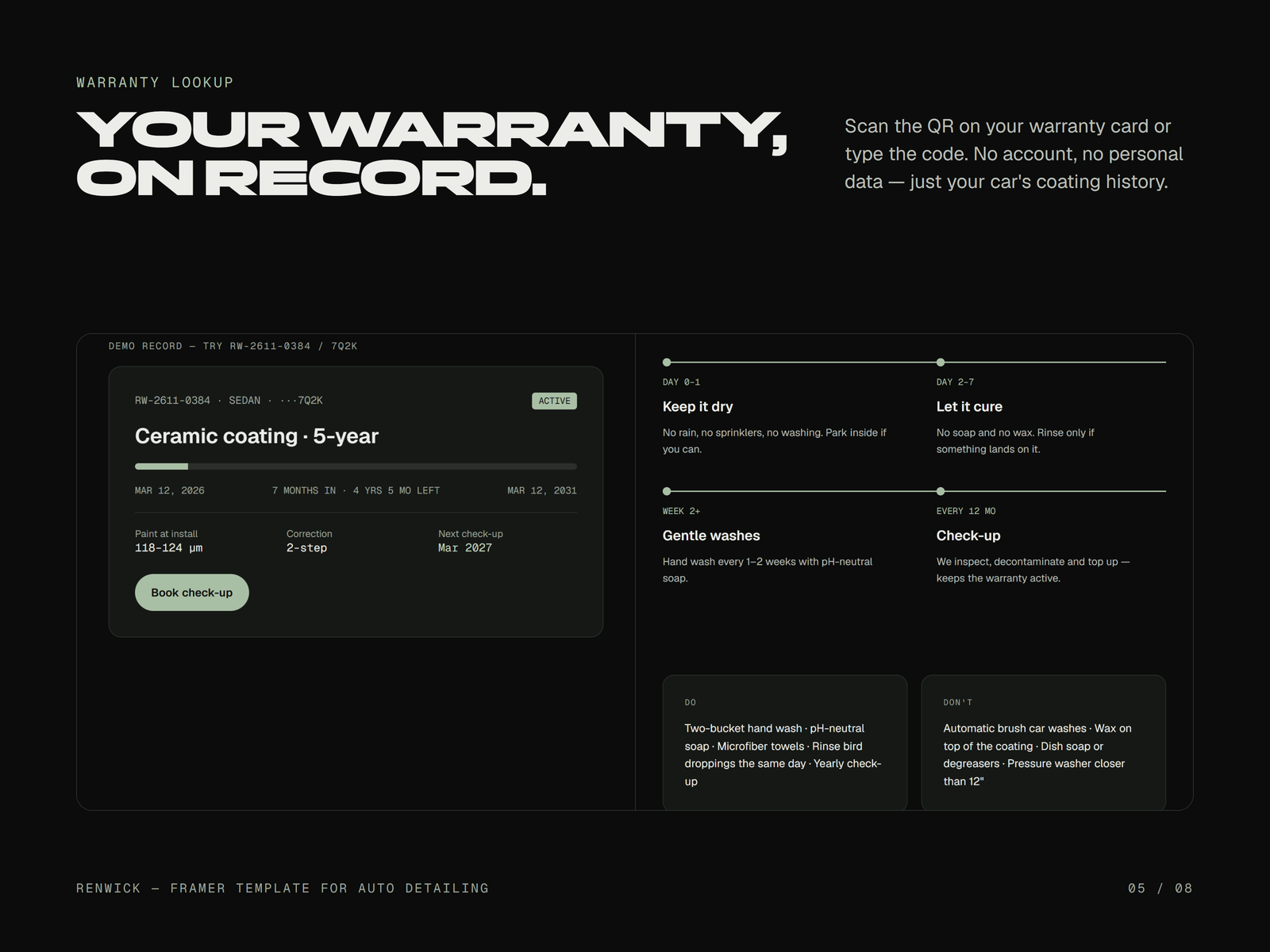
- 3 CMS collections (Services, Service Areas, Warranties)
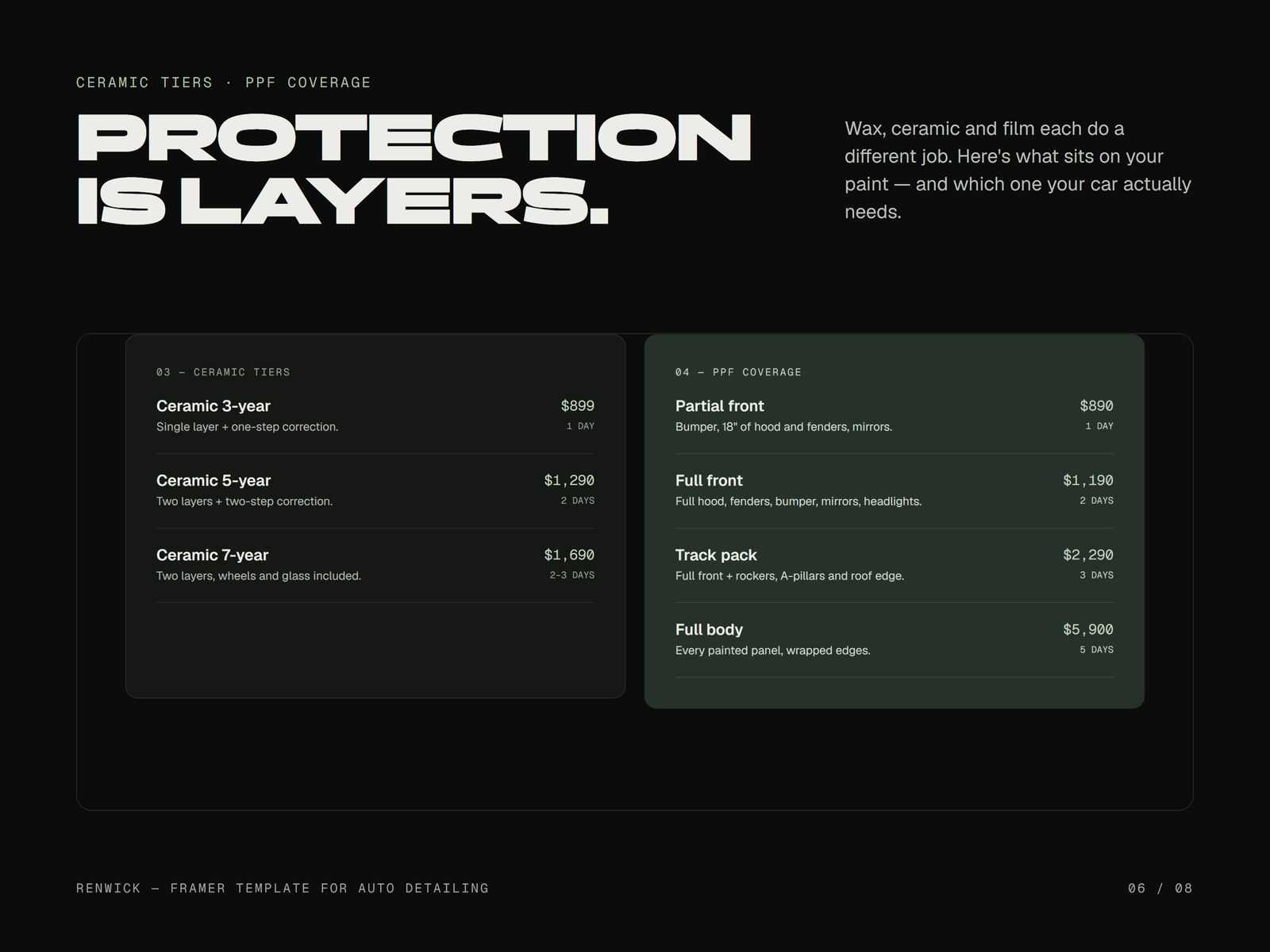
- Prices, packages and add-ons edited in one panel
- Studio-light motion (softbox sweep, haze-to-gloss, glint) with reduced-motion support
Don't have time? We launch it for you.
Renwick set up with your shop's content, on your domain, live in 5 business days. Template license included.
- Your texts and photos across the site
- Your logo, colors and fonts
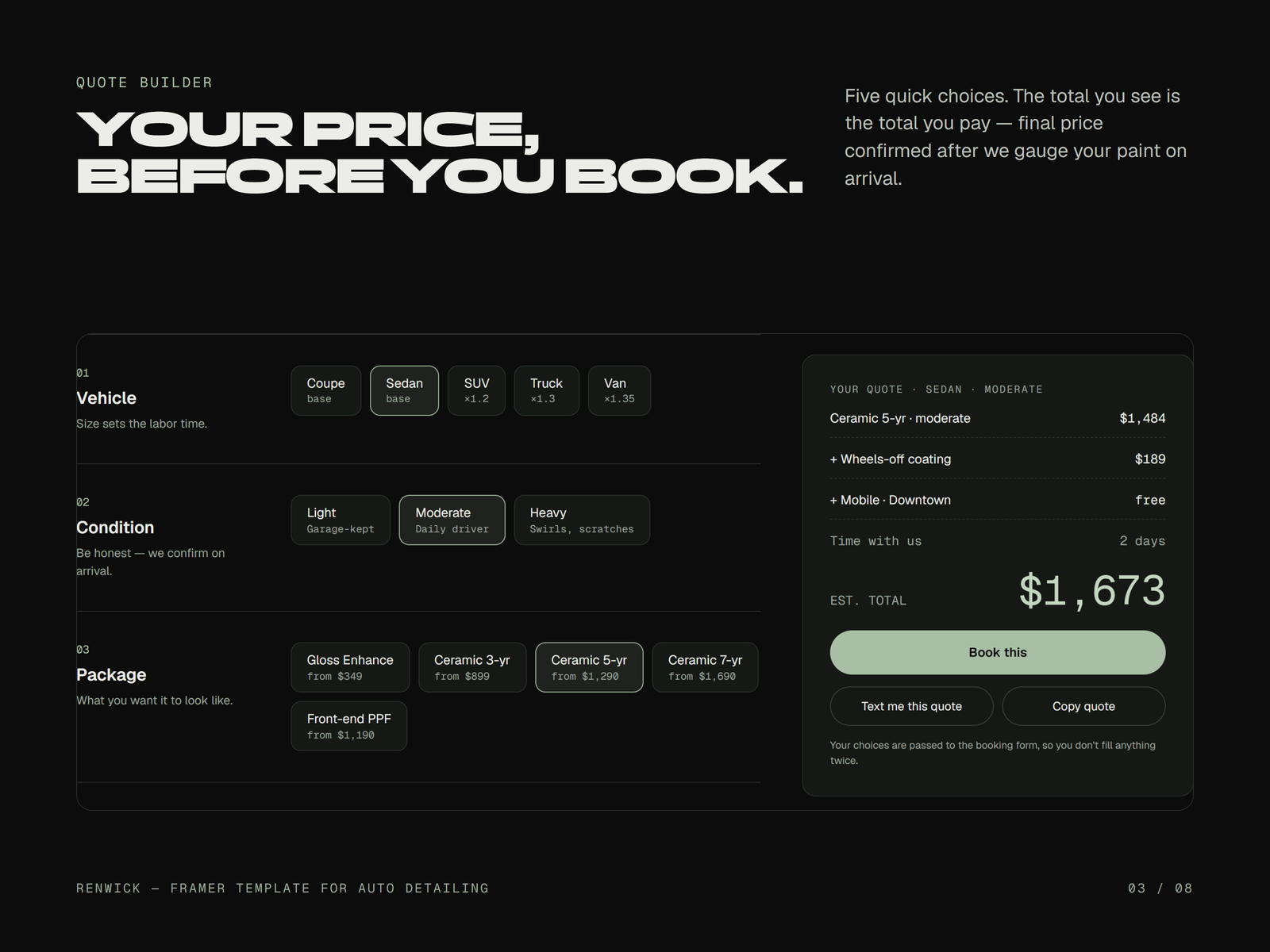
- Your services, packages and prices loaded into the CMS and the Quote Builder
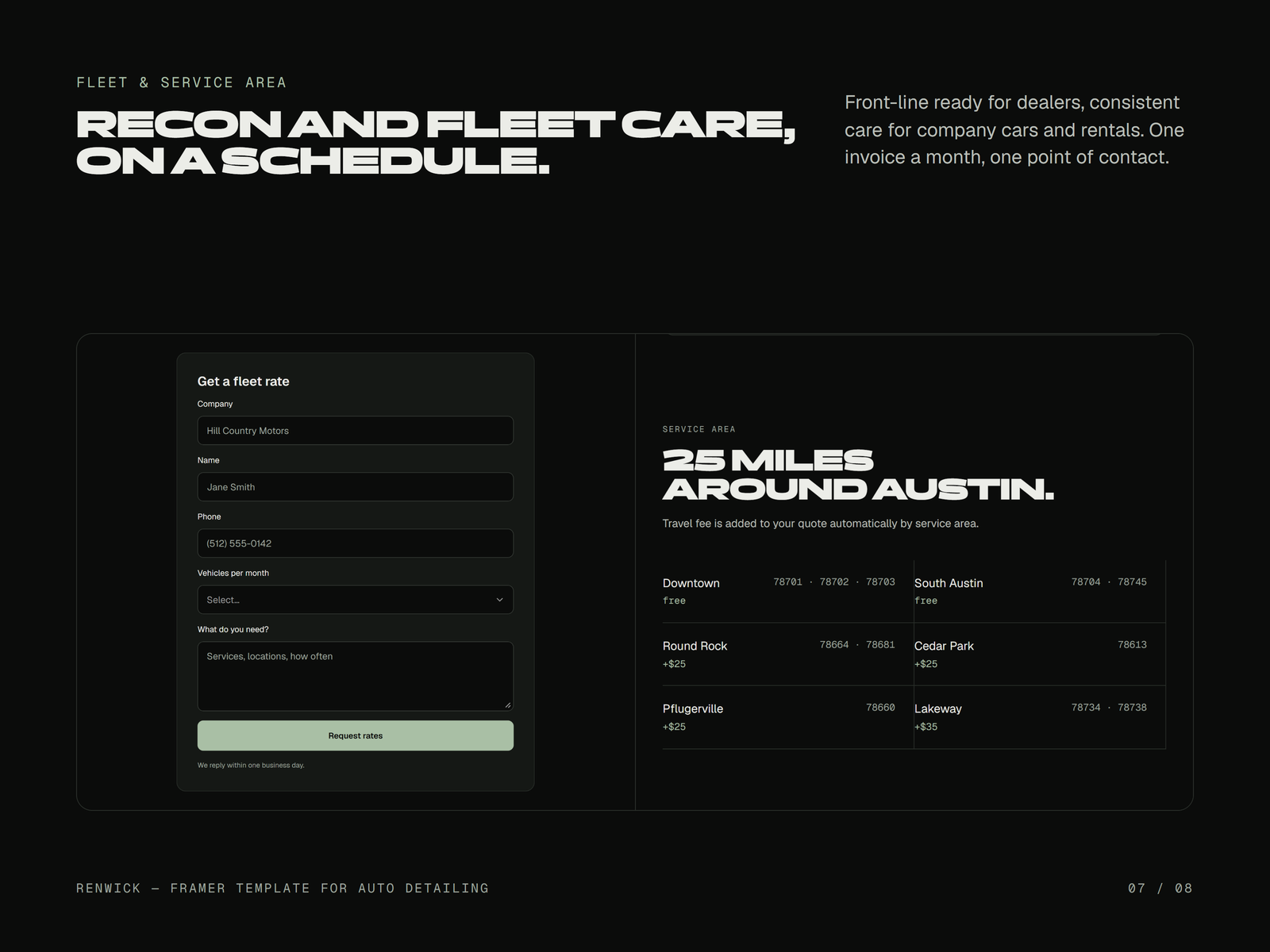
- Your service areas and travel fees
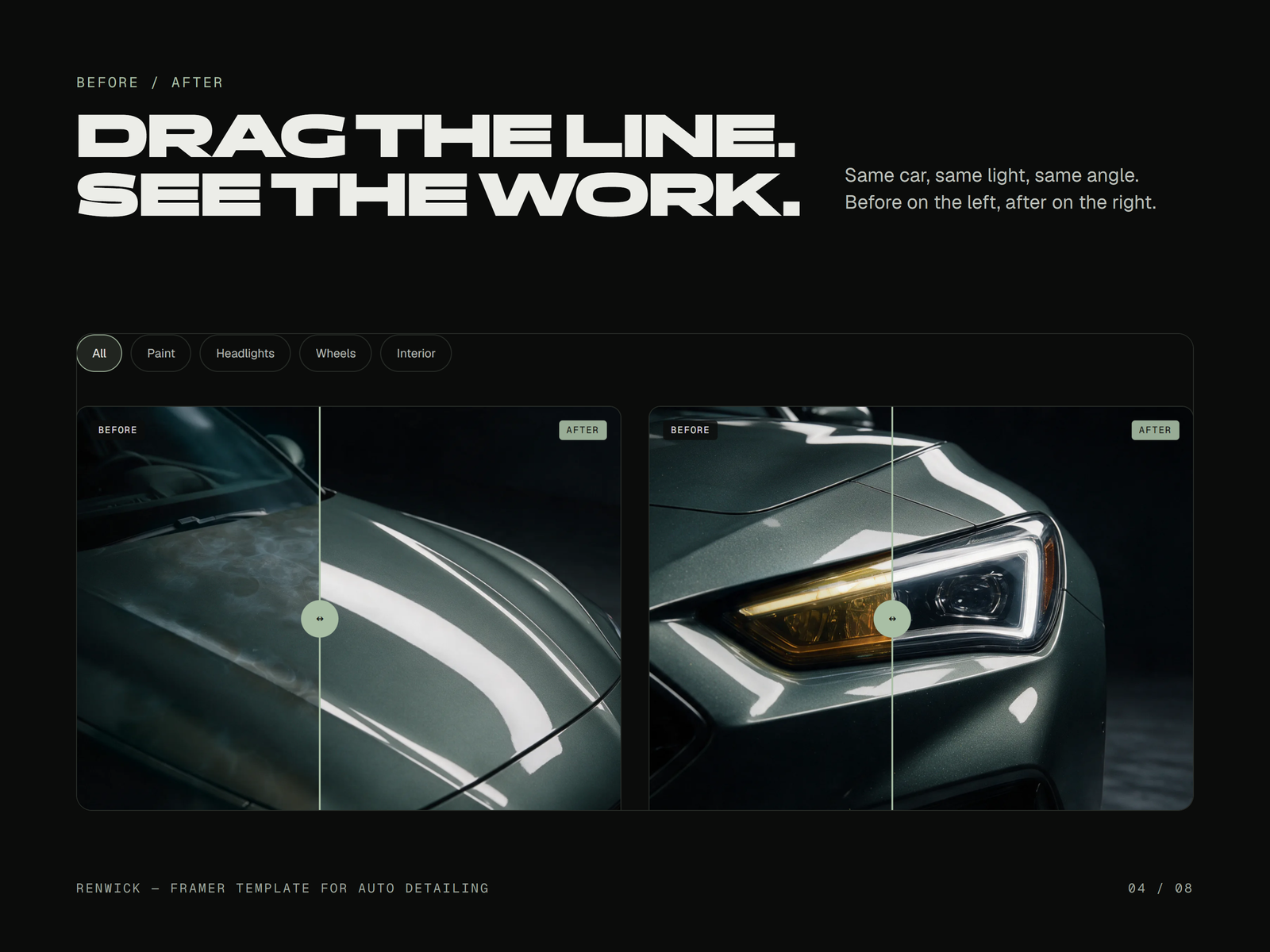
- Your before/after photos in Results
- Booking hand-off connected (Calendly, Square or Urable)
- Domain connected
- Forms sent to your email
- Basic SEO (titles, descriptions, favicon, share image)
- One round of revisions
- 01Pay
- 02Send your contentThrough the link in your receipt
- 03Live within 5 business daysOf receiving your complete content
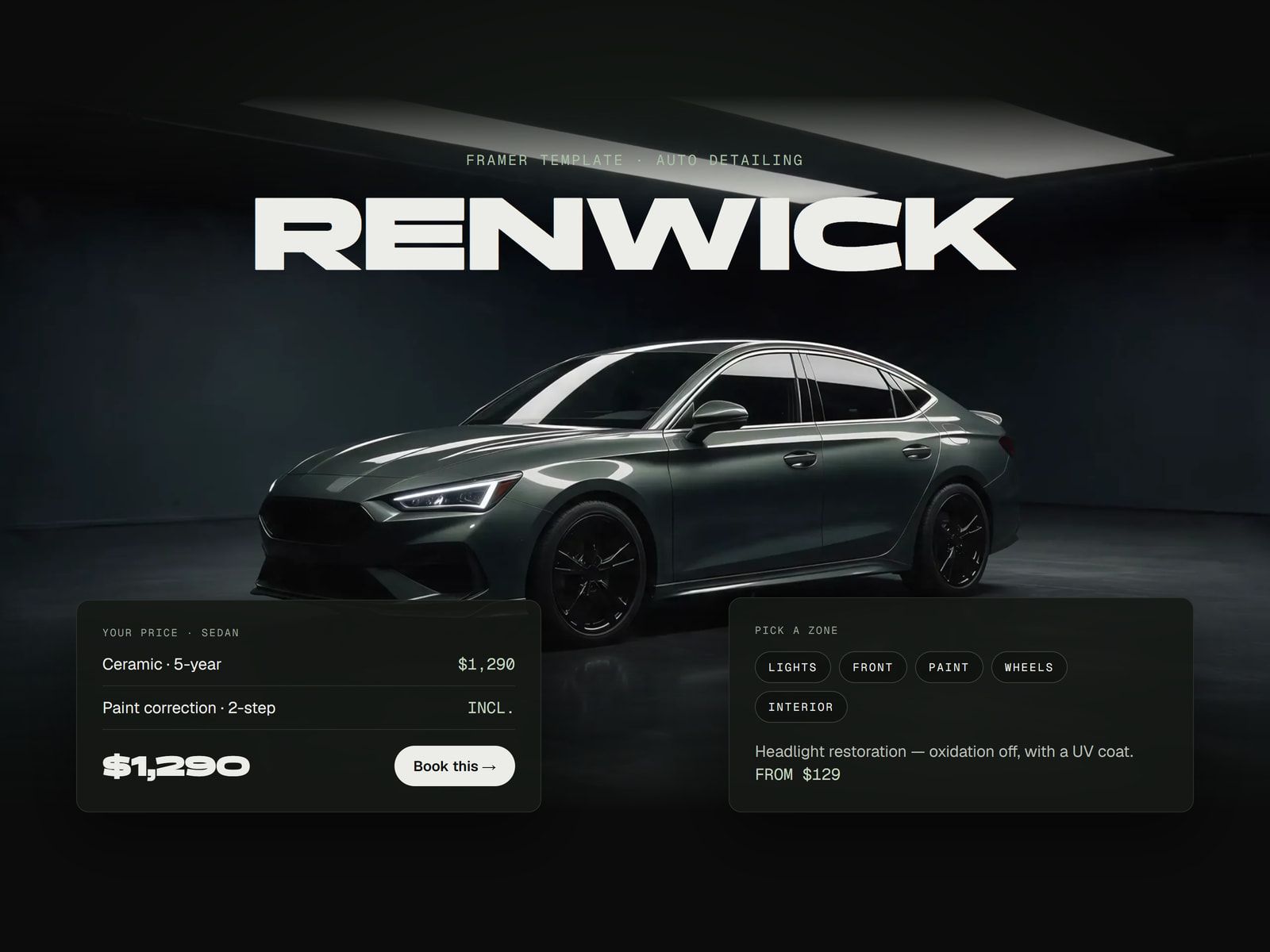
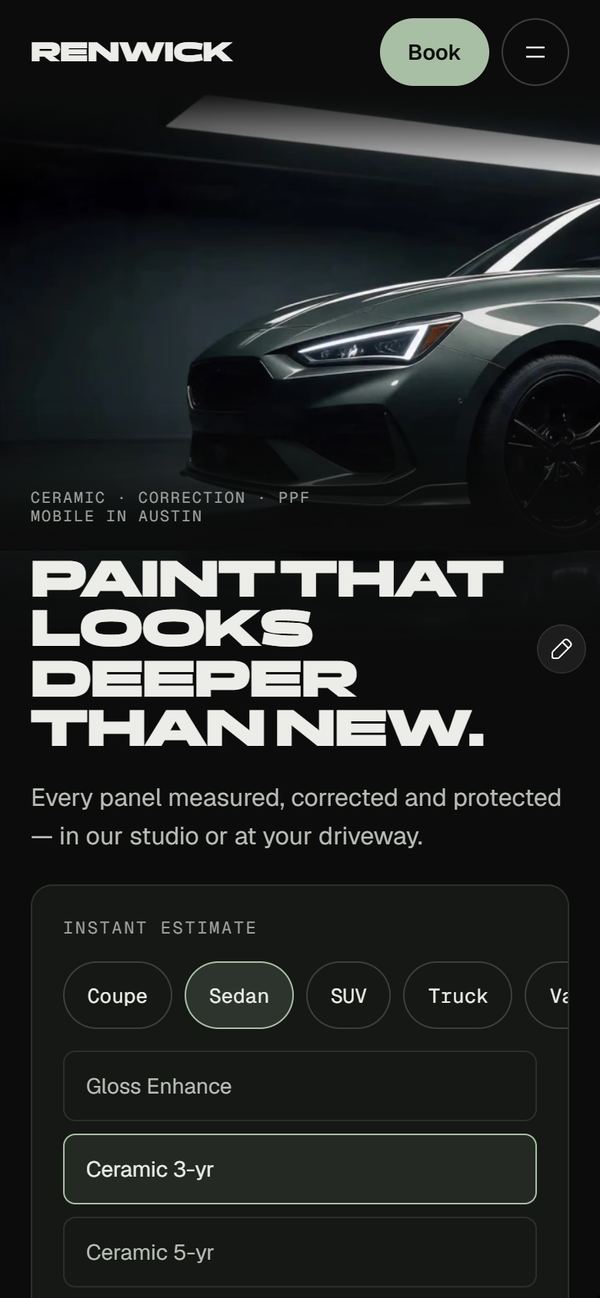
The demo shows the template filled with sample content for a fictional detailing shop in Austin, Texas. Shop name, prices, reviews and figures are fictional demo content, and the phone number is a reserved fictional number. Photos and video are AI-generated renders, to be replaced. Renwick takes no payments: booking requests arrive by email or through your own booking tool.
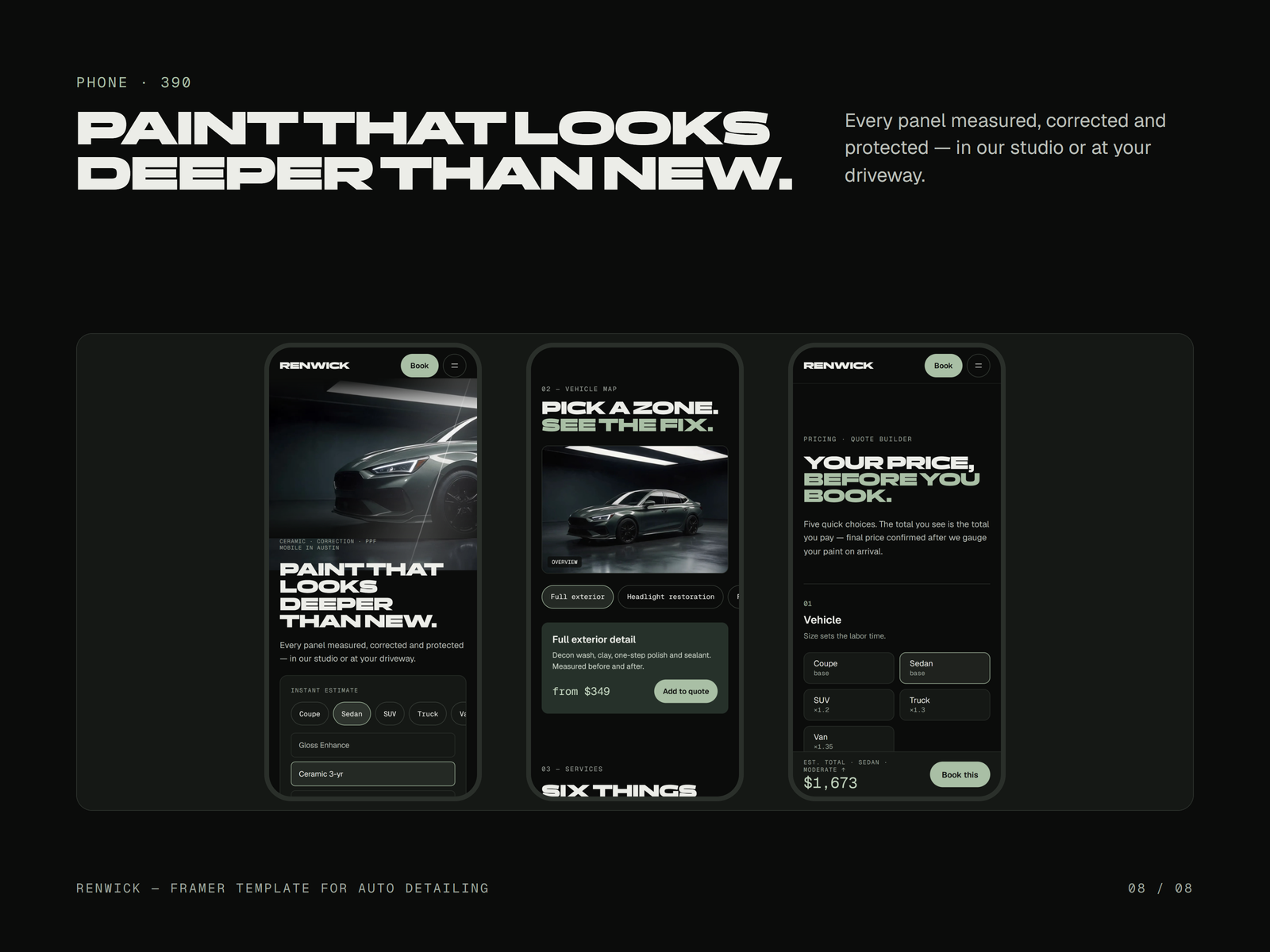
Pick a zone. See the fix.
The camera turns to the part of the car your client cares about, with the service, the time and the price.
- 7 zones, each with service, time and price
- Swipe on mobile
- Zones, services and prices edited from the component panel

FEATURES
Booking hand-off. The Quote Builder hands off to Calendly, Square, Urable or a simple request form.
PAGES INCLUDED · 15
GALLERY
WHAT'S INCLUDED
- Remix link to the full Framer project
- 3 CMS collections (Services, Service Areas, Warranties)
- Prices, packages and add-ons edited in one panel
- Studio-light motion (softbox sweep, haze-to-gloss, glint) with reduced-motion support
- PDF setup guide
- Free updates
- Email support within 2 business days
HOW DELIVERY WORKS
- 01Click Buy template and complete the secure checkout.
- 02Your Framer Remix link and PDF guide arrive in your purchase email from Creem right after payment (check spam).
- 03Open the Remix link while signed in to Framer, then follow the guide to add your branding and content.
SUPPORT
Stuck on setup? Email us. We reply within 2 business days (Mon–Fri).Step-by-step guides cover domains, CMS, booking links and forms.Template guides →FAQ
Do I need a paid Framer plan?
Yes, to publish on your own domain. The template is free to remix and edit.
How is it delivered?
Instantly after payment: a remix link and the PDF guide arrive by email.
Can I use it for several businesses?
One purchase licenses one website.
Is the content real?
No. Names, prices, reviews and images are demo content (AI-generated) and must be replaced. Privacy and Terms pages are placeholders.
Does it take payments or bookings?
It hands off to your booking tool (Calendly, Square, Urable) or sends a request form to your email. No payment backend is included.