Wexley
Wexley is a cinematic Framer template for heating, cooling and indoor-air companies — built to turn a broken AC at 2 PM into a booked visit by 4.
Set it up yourself, or we launch it for you.
Do it yourself
Remix Wexley into your Framer account and follow the setup guide.
- Remix link to the full Framer project
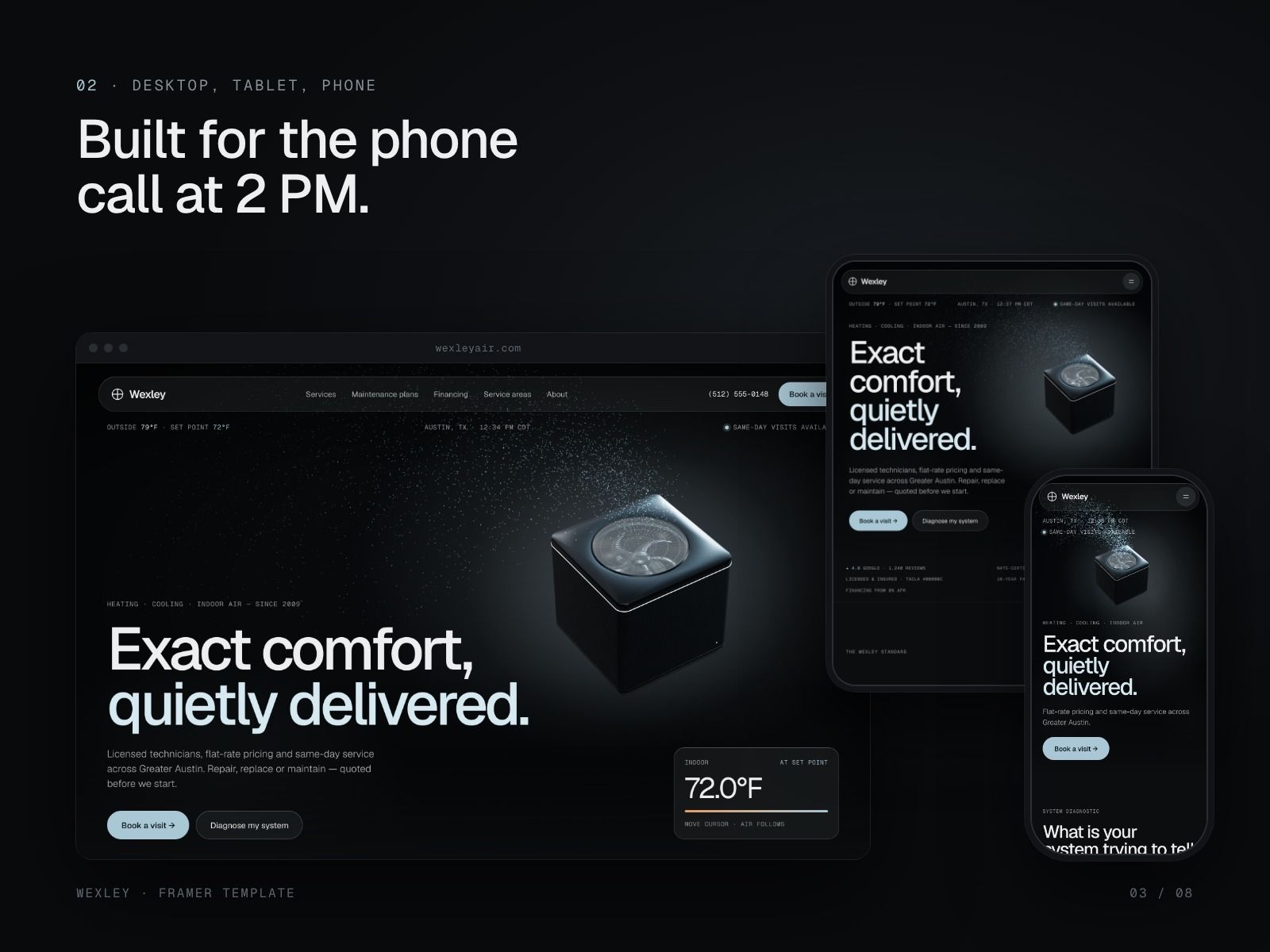
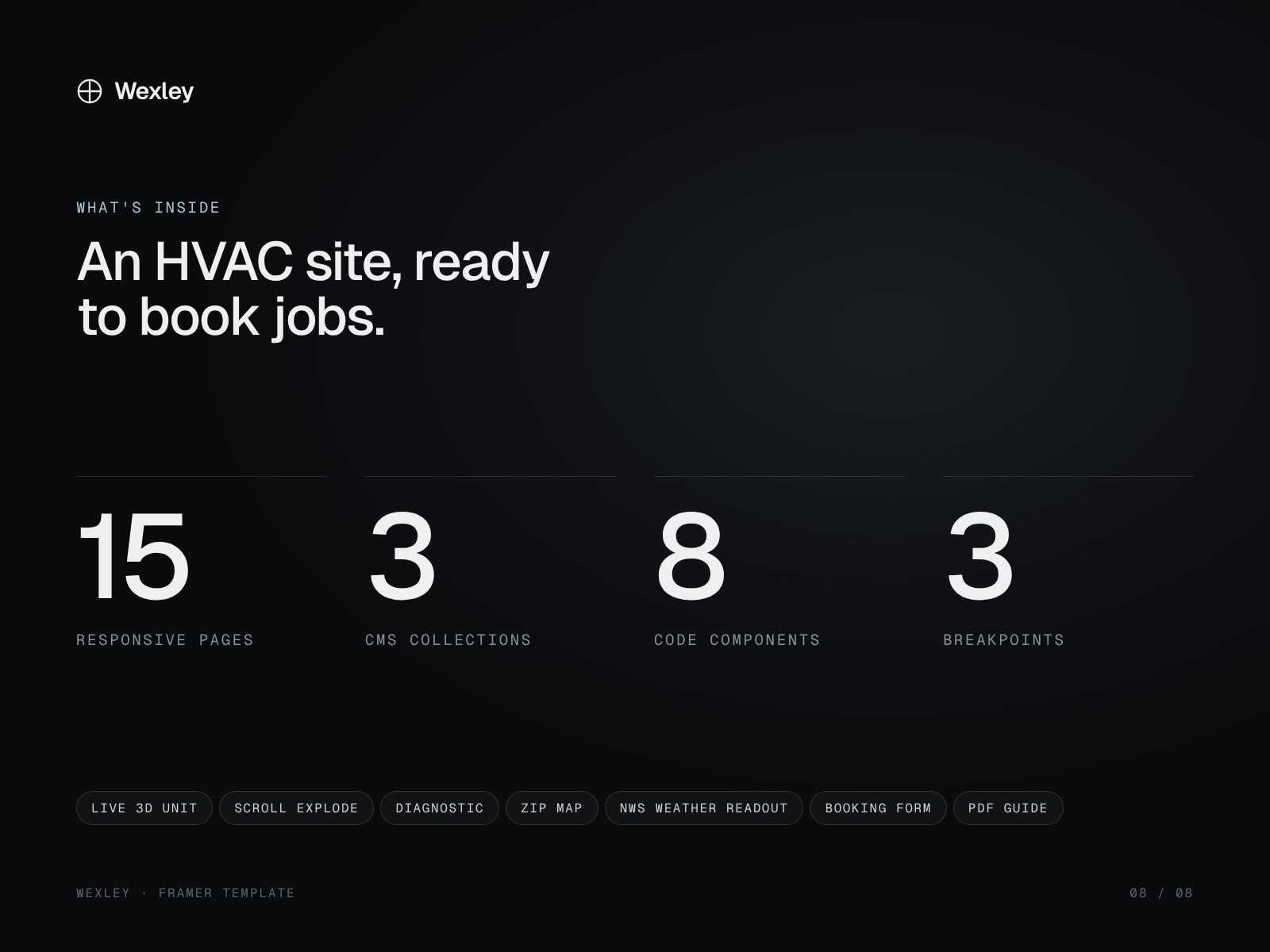
- 15 responsive pages (desktop, tablet, phone)
- 3 CMS collections (Services, Service Areas, Journal)
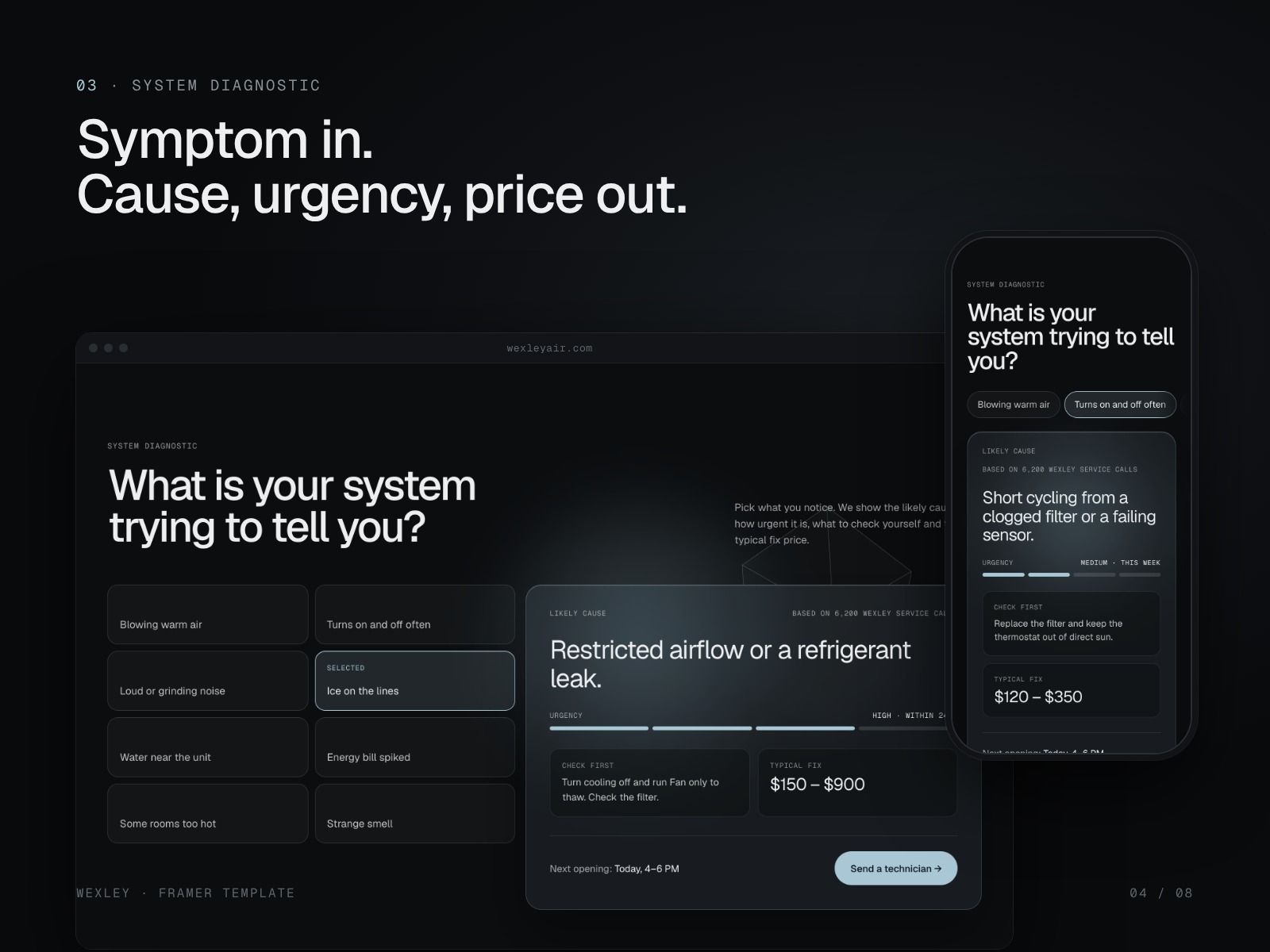
- 8 code components (3D unit, area map, diagnostic, readout, booking status, motion, airfield, fit text)
Don't have time? We launch it for you.
Wexley set up with your company's content, on your domain, live in 5 business days. Template license included.
- The Wexley template (license for one live site)
- Your texts, photos, logo, colors and fonts
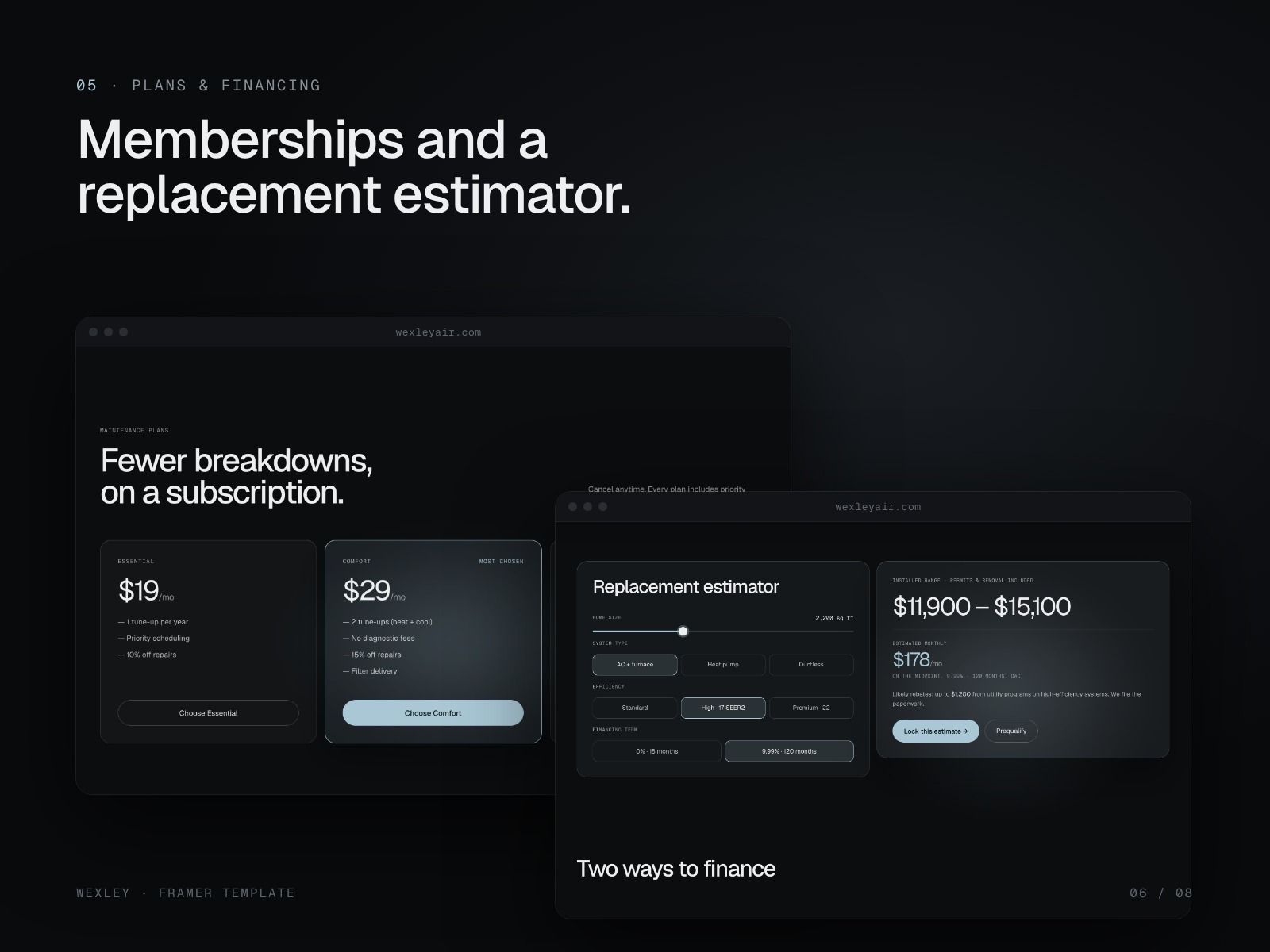
- Services and maintenance plans with prices in the CMS
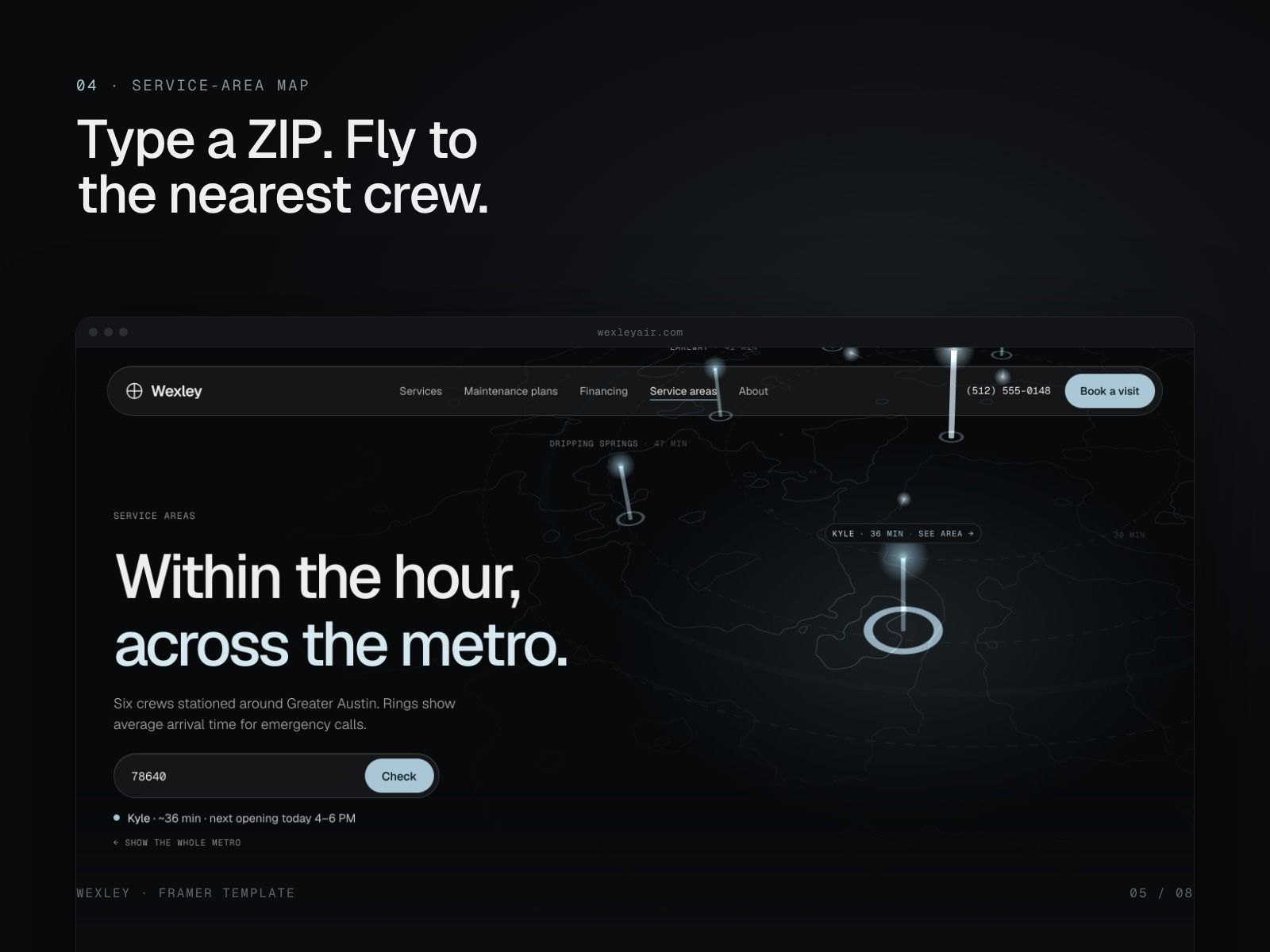
- Your cities on the 3D map and ZIP check
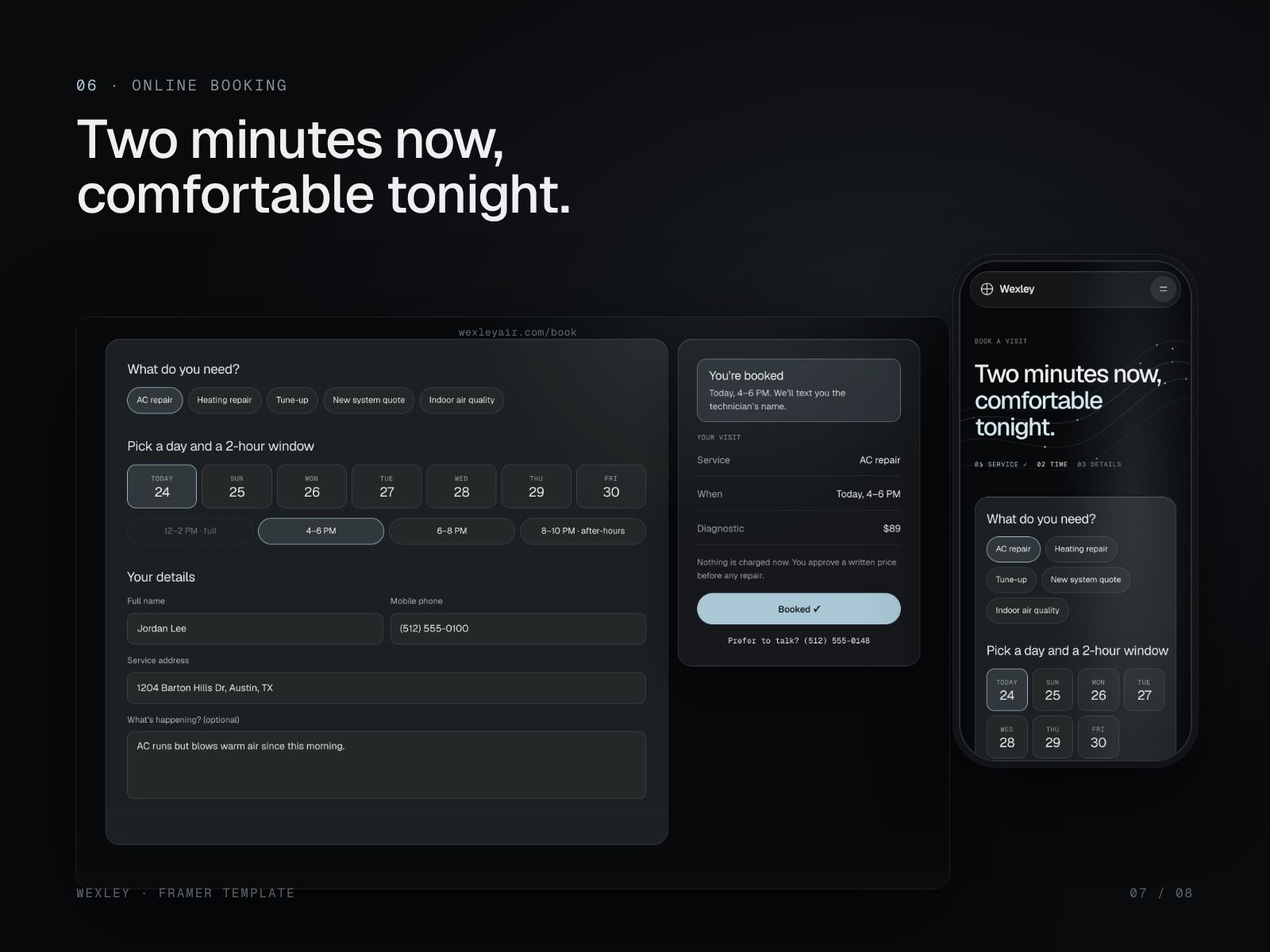
- Booking form connected to your email (or Google Sheets / a webhook)
- License number, phone and hours across the site
- Domain connected
- Basic SEO (titles, descriptions, favicon, share image)
- One round of revisions
- 01Pay
- 02Send your contentThrough the link in your receipt
- 03Live within 5 business daysOf receiving your complete content


All names, phone numbers, license numbers (TACLA #00000C), reviews and prices are demo content and must be replaced. No live dispatch, scheduling or payment integration beyond Framer forms. Framer site plan not included.
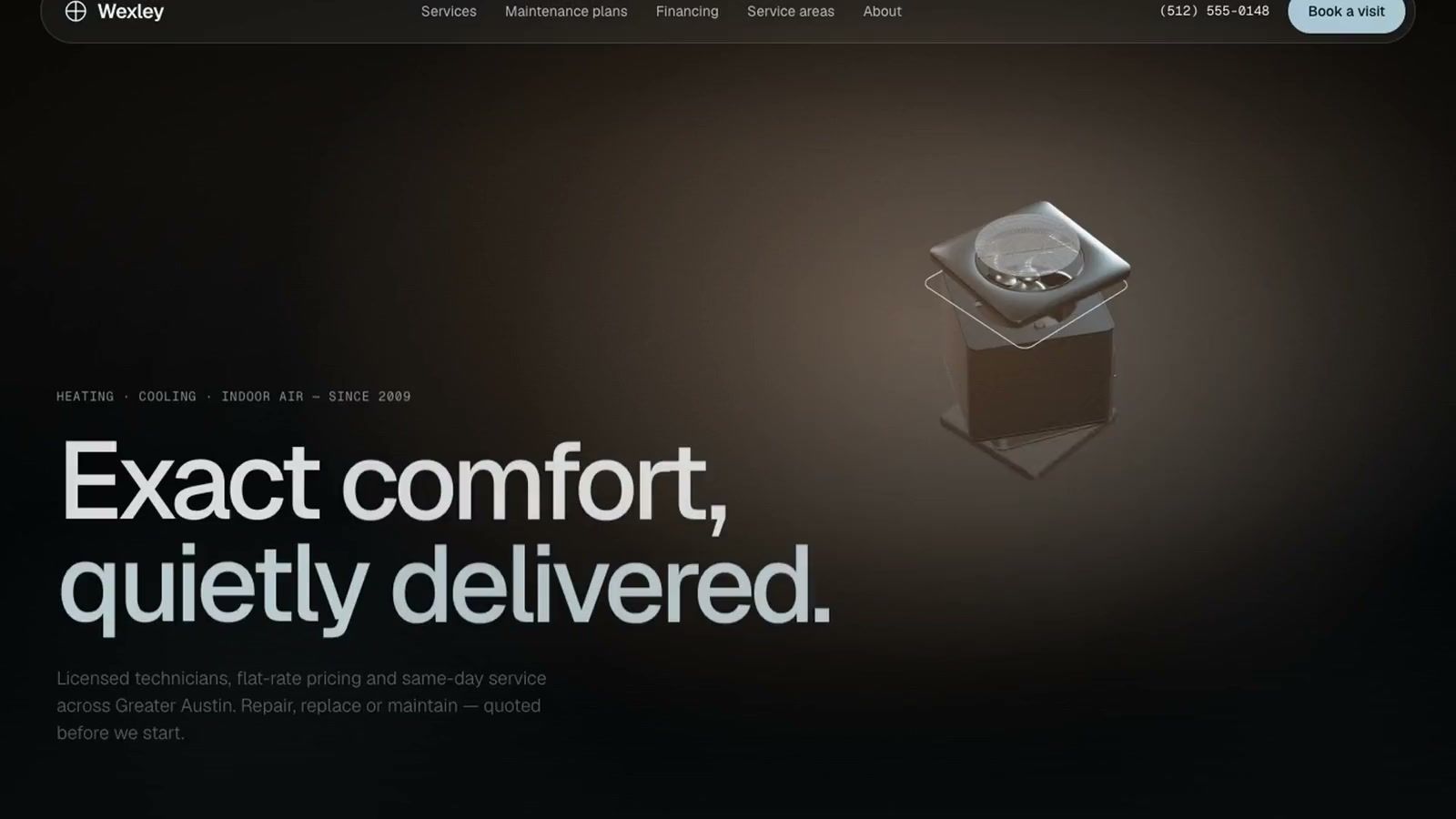
Exact comfort, quietly delivered.
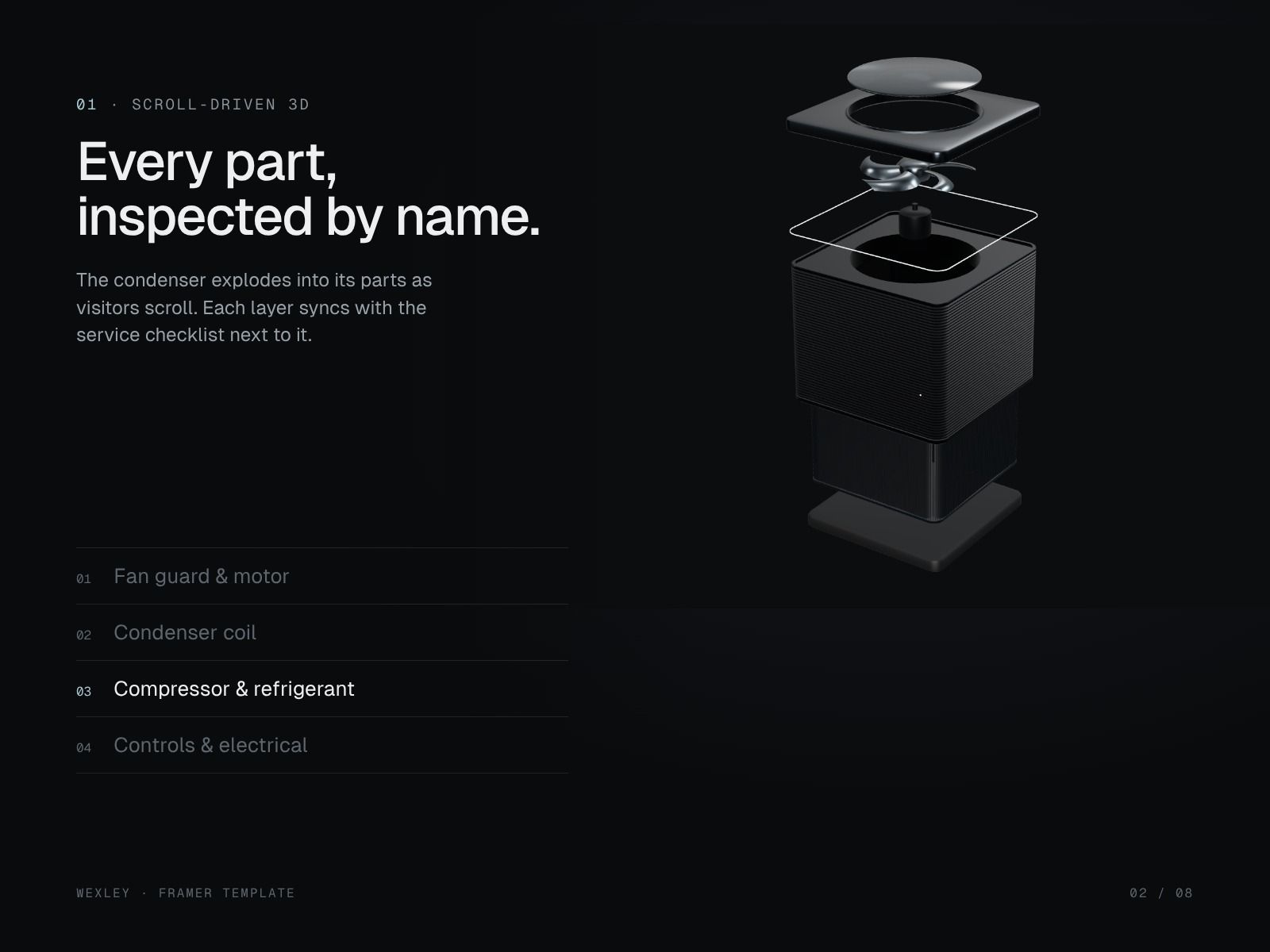
A real-time condenser that powers on, streams air that follows the cursor, and explodes into parts on scroll. Still-image fallback on low-power devices.
FEATURES
PAGES INCLUDED · 15
GALLERY
SETUP GUIDE
- 01Remix the project from the link in your receipt.
- 02Replace content in the CMS (Services, Service Areas, Journal).
- 03Set your cities and ZIPs in the map component.
- 04Connect the booking form (Email, Google Sheets or a webhook).
- 05Replace the license number, phone and hours.
- 06Publish.
WHAT'S INCLUDED
- Remix link to the full Framer project
- 15 responsive pages (desktop, tablet, phone)
- 3 CMS collections (Services, Service Areas, Journal)
- 8 code components (3D unit, area map, diagnostic, readout, booking status, motion, airfield, fit text)
- Native booking form (Email, Google Sheets or webhook)
- PDF setup guide
- Free updates
HOW DELIVERY WORKS
- 01Click Buy template and complete the secure checkout.
- 02Your Framer Remix link and PDF guide arrive in your purchase email from Creem right after payment (check spam).
- 03Open the Remix link while signed in to Framer, then follow the guide to add your branding and content.
SUPPORT
Stuck on setup? Email us. We reply within 2 business days (Mon–Fri).Step-by-step guides cover domains, CMS, booking links and forms.Template guides →FAQ
Do I need to code?
No — everything is edited in Framer; the 3D and map are configured from component properties.
Can I use my own 3D model?
Yes, swap the GLB file in the 3D component; the guide covers export settings.
Does the weather readout cost anything?
No, it uses the free National Weather Service API (US locations).
Where do bookings go?
To whatever you connect in Framer: email, Google Sheets or a webhook (Zapier, Make, your CRM).